This review was first published in German on handgetestet.de.
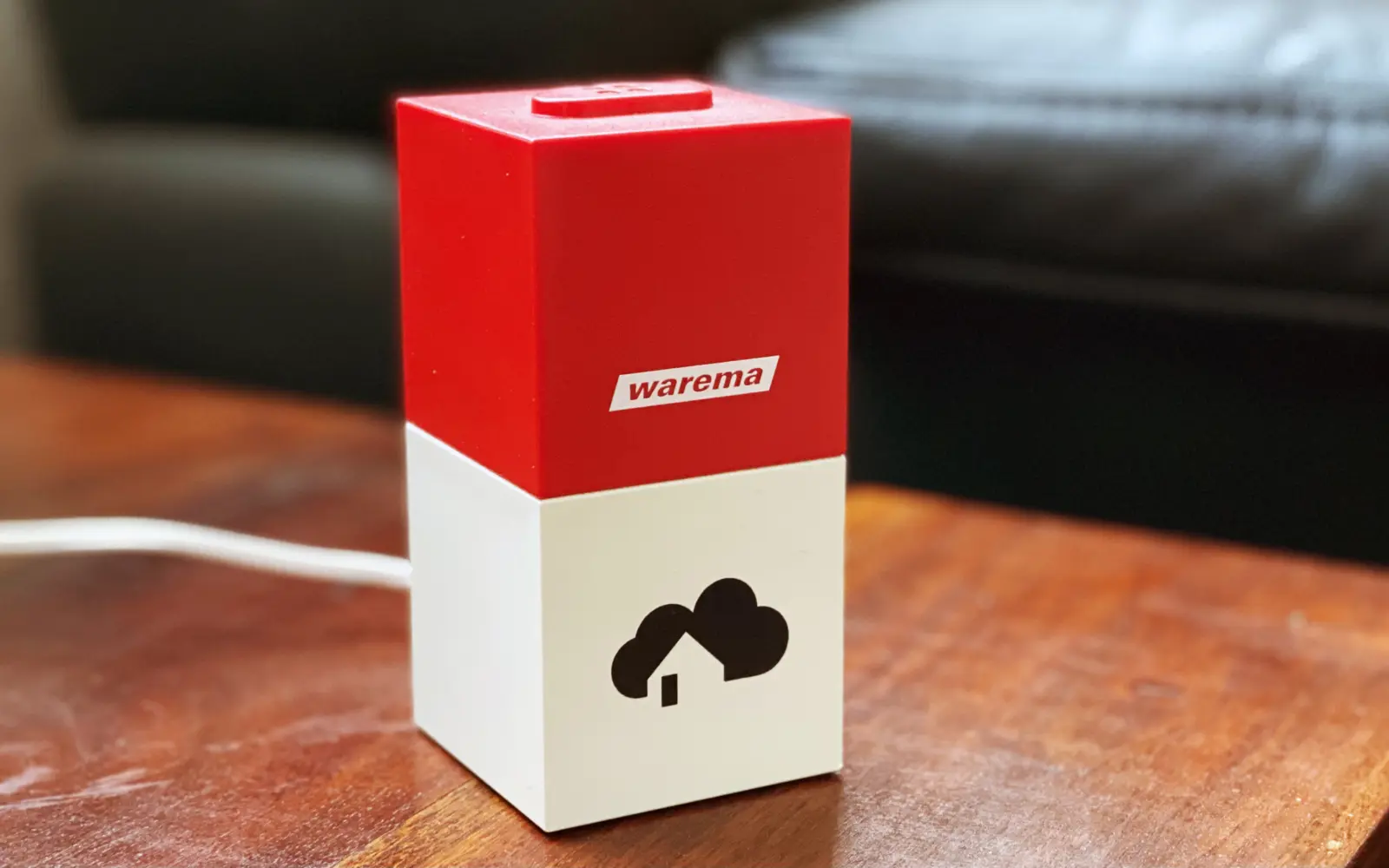
With the Warema Cube, the homee family (a modular German smart home system) has gained another prominent member. The Warema Cube has only been on sale since March 2021, so there is hardly any practical experience with it yet, which is why you should bring a good dose of pioneering spirit. Pioneering spirit also because the largely self-explanatory homee interface is put to the test somewhat by the peculiarities of the Warema wireless system, or rather by the reset that is required on the receiver.
The double power-up
If, like the author, you have a modern awning with a WMS wireless remote, you can be pleased that the Warema Cube is compatible, but it was a challenge to pair the receiver on the awning with the Warema Cube. To do this, the awning receiver has to be reset to its factory settings. This is done via the so-called „double power-up“. First, the awning is disconnected from power. This is followed by a double change between „connect to power“ and „disconnect from power again“, each for a duration of 5 seconds.
1. Disconnect the awning from power (duration: at least 5 seconds, otherwise as long as you like)
2. Connect the awning to power (duration: 5–6 seconds)
3. Disconnect the awning from power (duration: 5–6 seconds)
4. Connect the awning to power (duration: 5–6 seconds)
5. Disconnect the awning from power (duration: 5–6 seconds)
6. Connect the awning to power
The countdown is running
Now you have exactly one minute to search for the awning as a device in the homee app and connect it. Important: if you do not follow the procedure outlined above exactly, it will not work, and the homee app will not find the Warema awning. In the homee app, you then of course have to search for your existing type of Warema awning. You can only wonder why Warema did not include instructions with the cube that specifically point out this peculiarity, because many new owners are likely to stumble over it.
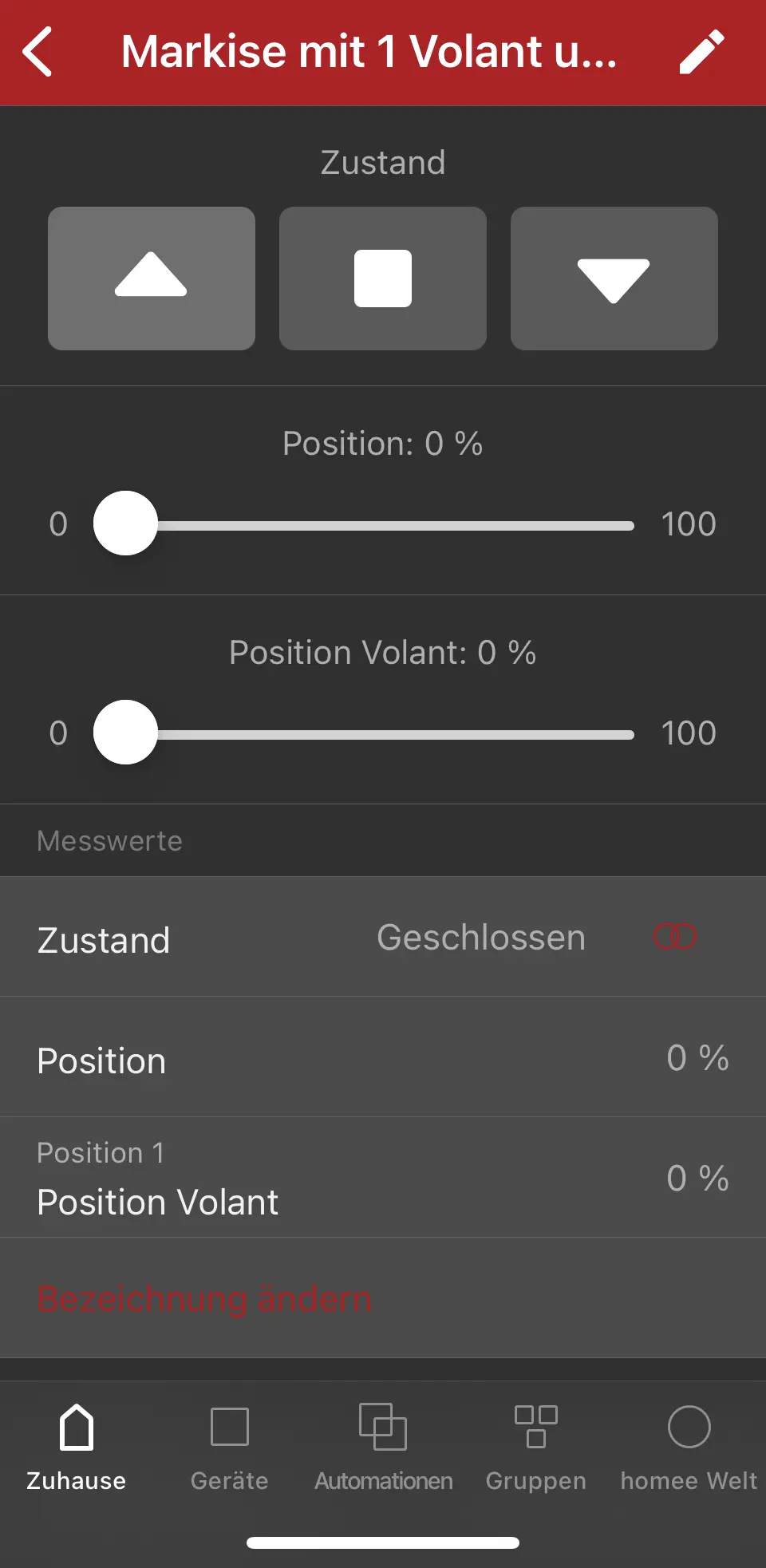
Another catch is that homee currently supports Amazon Alexa and Google Assistant, but Apple HomeKit only in a beta version. And that does not (yet) run entirely smoothly. For example, in our test HomeKit showed the awning as closed when it was open, and vice versa. But at least you can control the awning via Apple HomeKit too. Let’s hope Apple HomeKit will soon be officially supported.
Technical data
Specifications from the manufacturer WAREMA for the homee WMS extension (WMS Cube), as of November 14, 2026. We have not verified them ourselves.
| Name | homee WMS extension (WMS Cube) |
|---|---|
| Item number | 2033089 |
| Wireless interface | WAREMA WMS |
| Operating voltage | 5 V DC |
| Protection rating | IP 20 |
| Protection class | III |
| Dimensions (W x H x D) | 50 x 50 x 50 mm |
| System design | cube of a modular homee hub, combinable with cubes for ZigBee, EnOcean and Z-Wave |
| Connection | Wi-Fi to your own router, optional remote access via the cloud |
| Control | app for iOS and Android, web browser, Amazon Echo, Google Assistant |
| Setting up WMS devices | via the homee app |
| Ongoing fees | no monthly or annual fees |
Conclusion
Overall, the homee system with the Warema Cube makes a good impression once you have got it running. Awning control via the homee app works flawlessly. So the smartphone era can begin for your awning remote. Because of the small teething problems, it is not quite a smooth experience, but with the procedure described above it is easy to handle. It would be desirable for Warema to include instructions with the cube and, in general, to give its wireless awnings a user-friendly way to restore factory settings without the complicated „double power-up“ procedure, for example with a built-in reset button on the awning itself.
Further links:
Frequently asked questions
How do I connect the Warema Cube to my wireless awning?
The receiver on the awning has to be reset to factory settings, which is done with the double power-up: disconnect the awning from power, then connect it to power and disconnect it again twice, for 5 to 6 seconds each time, and finally connect it to power. After that you have exactly one minute to search for the awning in the homee app.
Why can't the homee app find my Warema awning?
Usually the double power-up was not followed exactly. Then the app does not find the awning. Repeat the procedure with the exact timings and search the app for your existing type of Warema awning. Unfortunately, the cube does not come with separate instructions for this.
Does the Warema Cube work with Alexa, Google and Apple HomeKit?
homee supports Amazon Alexa and Google Assistant. For us, Apple HomeKit only ran in a beta version and not entirely smoothly: HomeKit showed the awning as closed when it was open, and vice versa. It could still be controlled via HomeKit.
Is the Warema Cube worth it for an awning?
Once it runs, yes: controlling the awning via the homee app worked flawlessly, and the smartphone becomes the remote. Because of small teething problems, however, it is not quite a smooth experience. Expect to need some patience during setup.
Sources
Where to buy
- homee WAREMA WMS ErweiterungCheck price at Amazon.de
- homee Zentrale (Brain Cube und Z-Wave)Check price at Amazon.de