This review was first published in German on handgetestet.de.
In our test: the FRITZ!Repeater 3000, a tri-band repeater with three Wi-Fi radio units and two Gigabit LAN ports. Two units ran continuously for several years with a FRITZ!Box 7590 AX, extending the Wi-Fi across several rooms. We assessed reliability, setup, mesh, updates and the connection via LAN cable. Result: five out of five stars.
The device at a glance
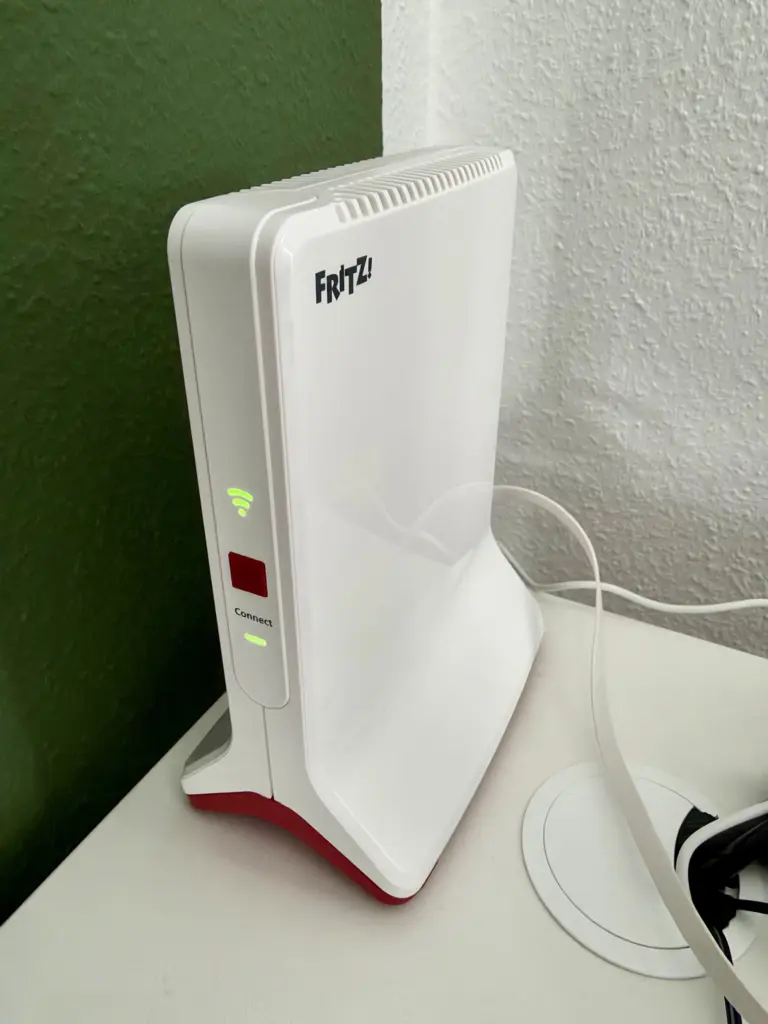
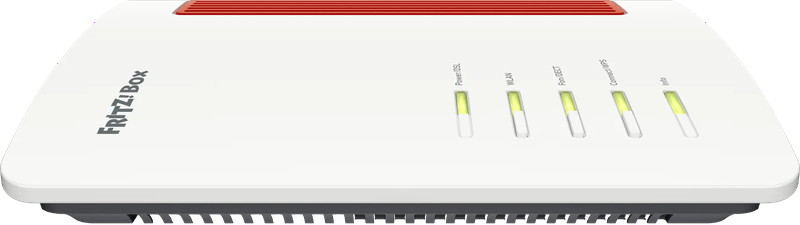
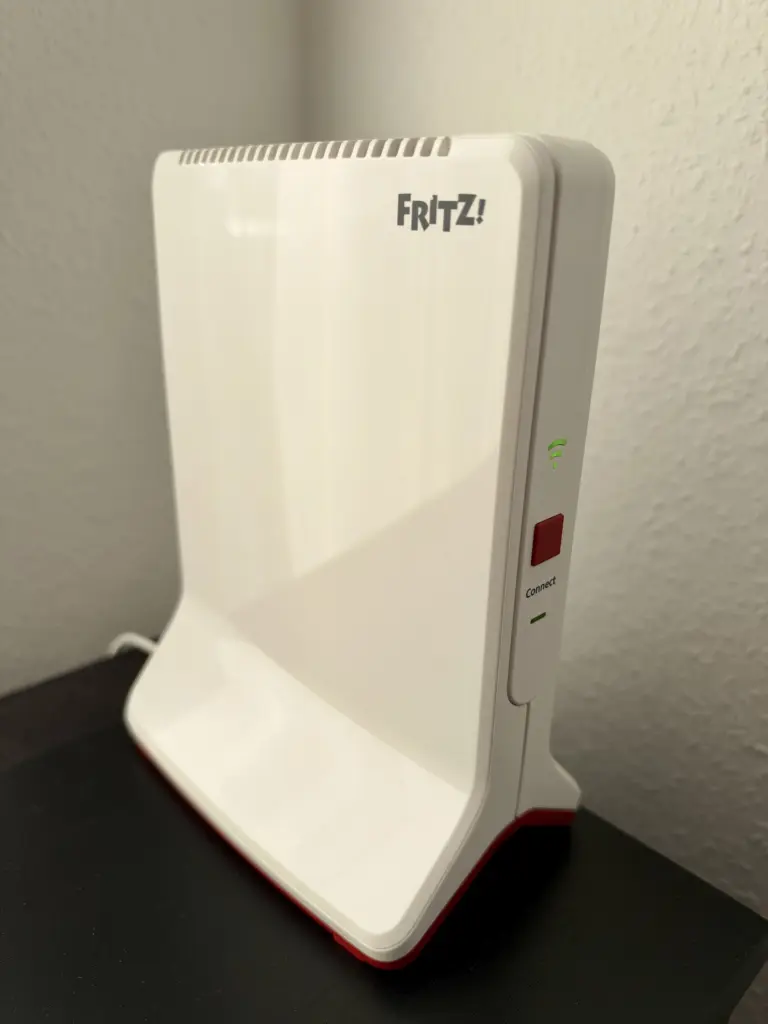
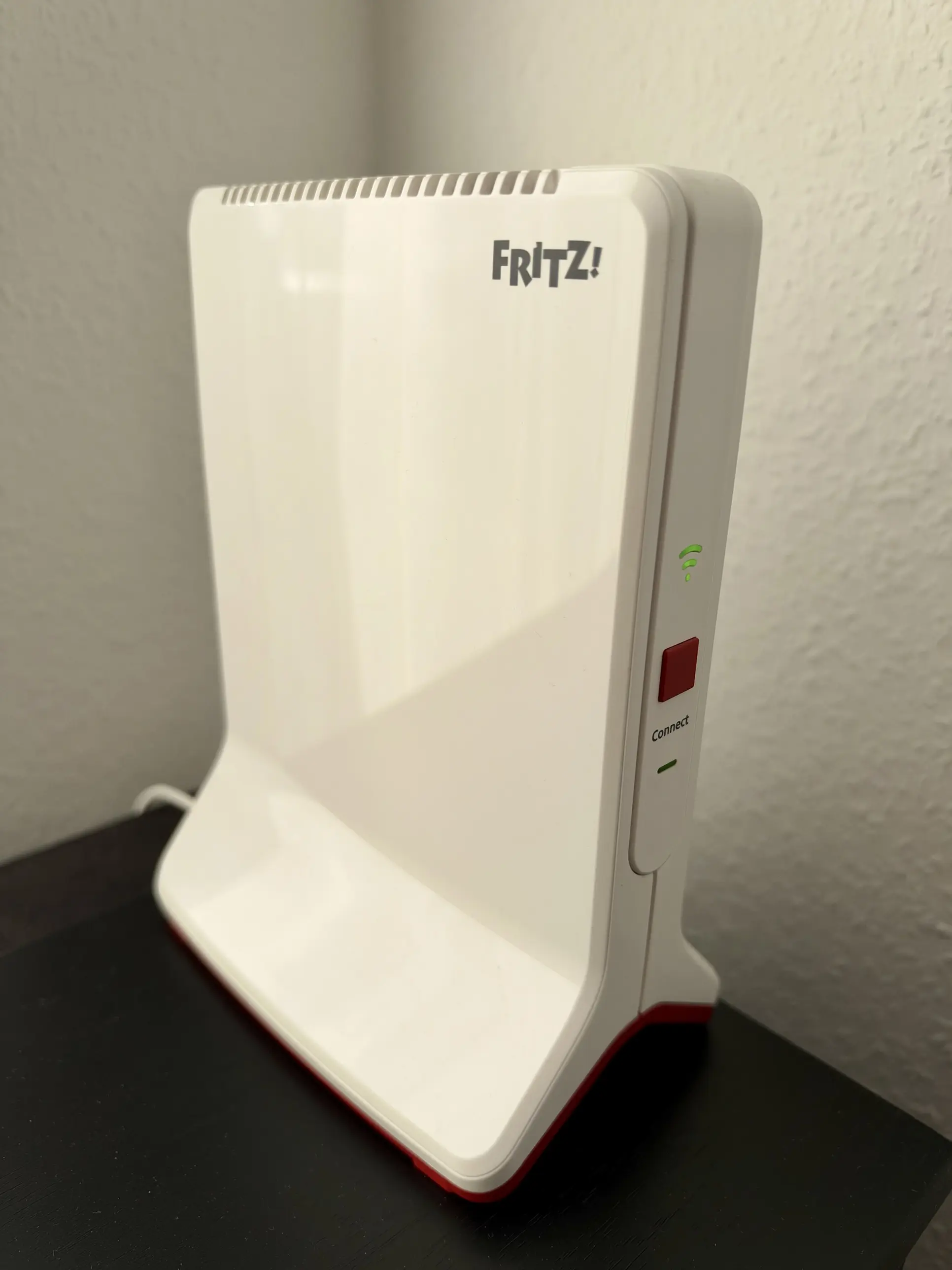
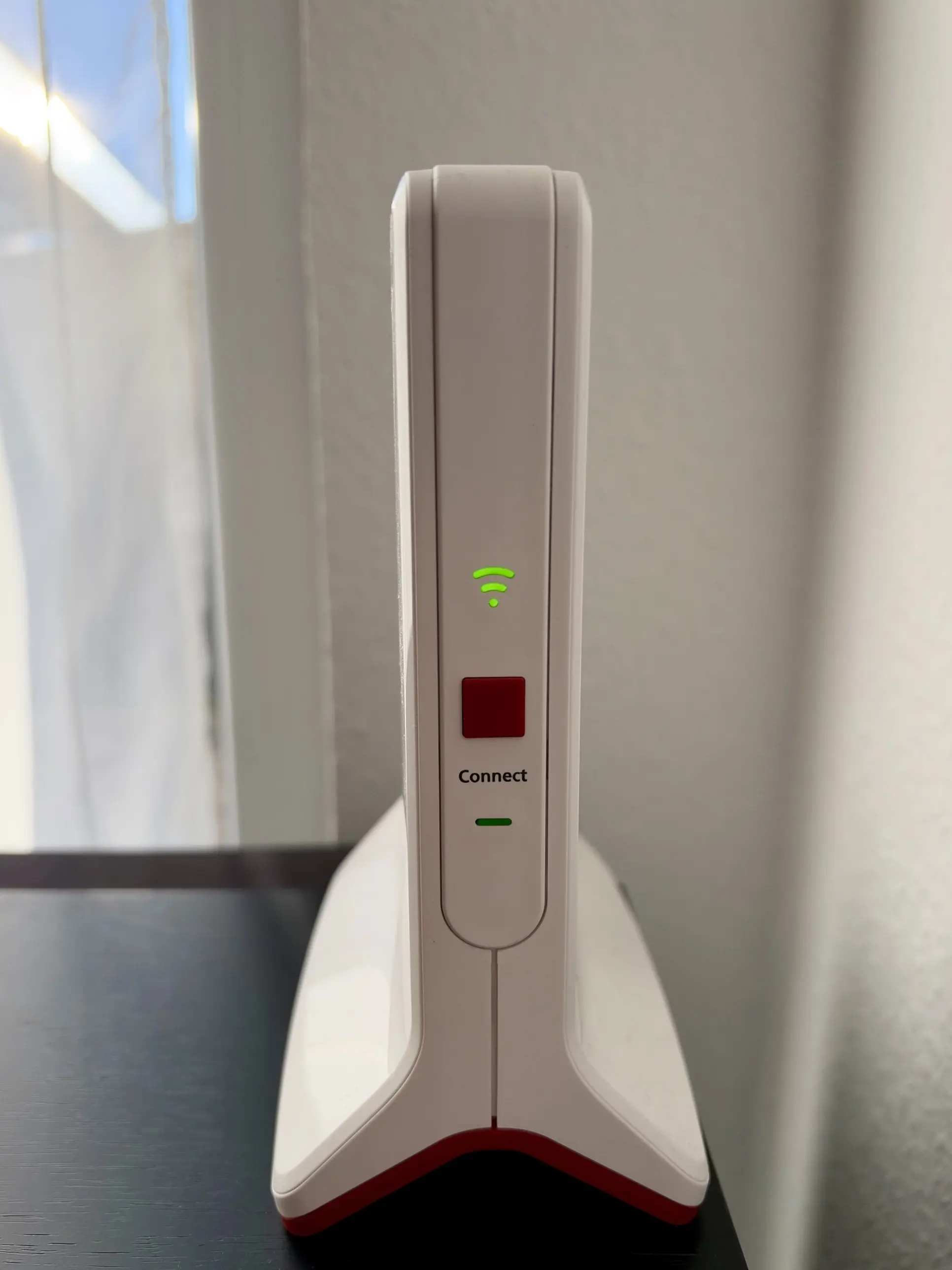
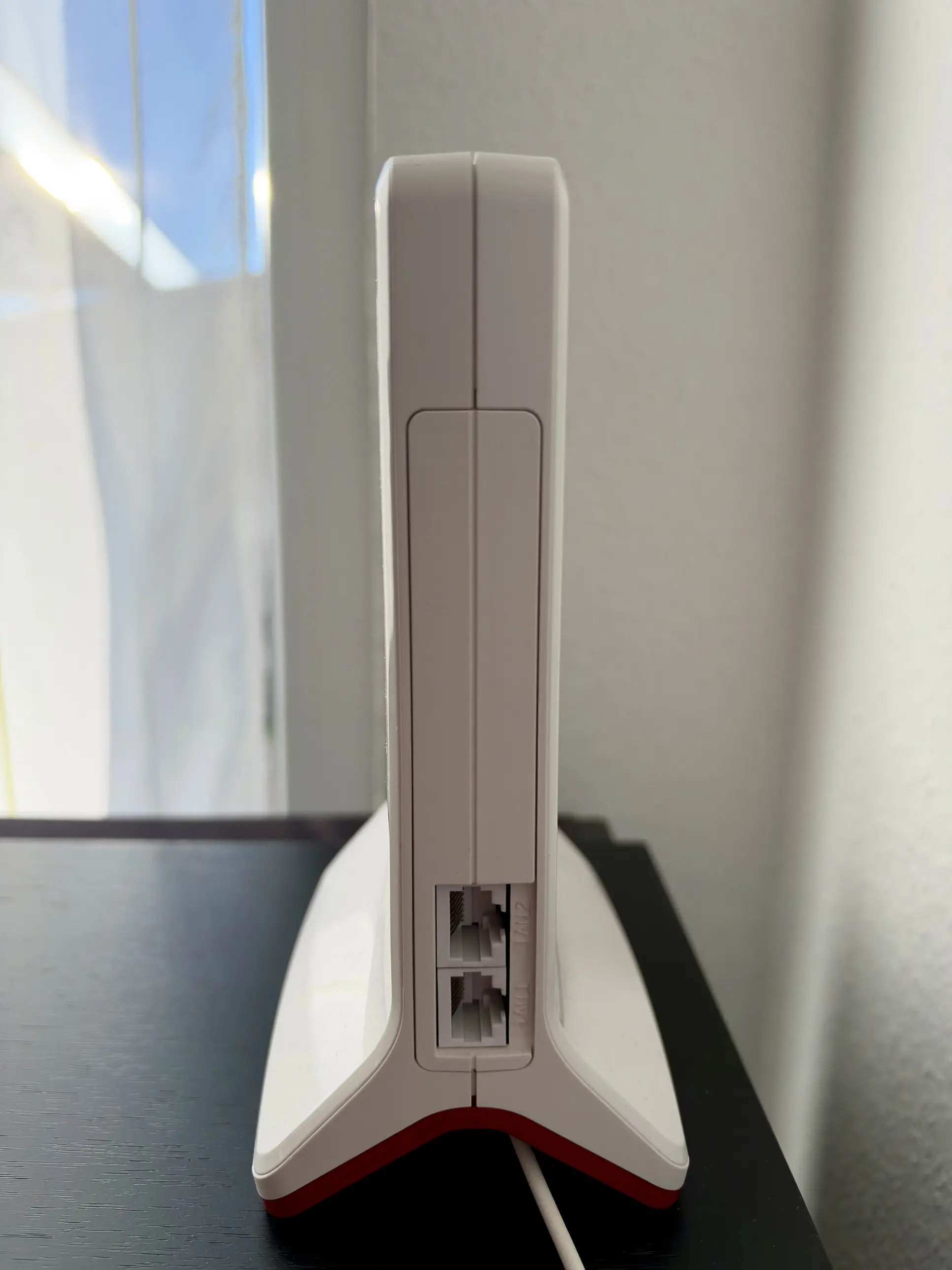
The FRITZ!Repeater 3000 dates from the time when the manufacturer was still called AVM. Since August 2025, the Berlin-based company has been operating as FRITZ! GmbH; according to the manufacturer, nothing has changed about the products. The housing is white with a red base and ventilation slots on top. The Connect button and two LEDs are on the narrow side, and the LAN 1 and LAN 2 ports are on the back. On this model, the power cable comes out of the bottom of the base.
Technically, the repeater works with three radio units: two serve devices on the 2.4 and 5 GHz bands, and according to the manual the third maintains a dedicated 5 GHz link to the FRITZ!Box. So traffic to the router doesn’t share airtime with your smartphone and laptop. It uses Wi-Fi 5 (IEEE 802.11ac).
Reliability in continuous operation
The two repeaters have been extending our Wi-Fi very reliably for years. It wasn’t entirely without hiccups: occasionally a unit froze. What helped was a simple fix we needed about once every few months: unplug the power adapter, wait a few minutes, plug it back in. After that, the repeaters ran stably again. By now, freezes have become very rare.
Heat was not an issue. Our units stand freely on a base, and the ventilation slots on top stay uncovered. We had no heat problems there. According to the manual, the repeater is designed for ambient temperatures of 0 to 40 °C.
Mesh and LAN bridge
In the mesh, the FRITZ!Box reliably recognizes the repeater. Both units extend the same central Wi-Fi, with one network name and one password. According to FRITZ!, mesh requires a FRITZ!Box with FRITZ!OS 7.00 or newer. In the mesh, the repeater takes over settings such as network name and password from the FRITZ!Box.
If you can run a network cable, use the LAN bridge. The connection from the router to the repeater then runs over the cable, and the signal is only converted to Wi-Fi on site. Walls and ceilings between router and repeater no longer slow the connection down. For us, this is the device’s strongest operating mode. According to FRITZ!, the LAN bridge configures itself automatically on a FRITZ!Box running FRITZ!OS 7.00 or later as soon as the cable is plugged in. The second LAN port then remains free for a device such as a TV or game console.
Interface and updates
The user interface is one of the simplest we know of among networking devices. It is clearly laid out but still offers plenty of settings and useful timers, such as a night mode for the Wi-Fi. If you have some prior experience, you’ll find your way around immediately. According to the manual, pairing with the FRITZ!Box is done via the Connect button.
In our setup, the FRITZ!OS software updates automatically from the internet. In a mesh, the FRITZ!Box manages this; without a mesh, auto-update can be enabled on the repeater itself. Updates arrived regularly over the years, and we had no security issues during that time. According to FRITZ!, FRITZ!OS 8.25 is the current version for this model, and updates are promised until at least January 1, 2029. We find the manufacturer very customer-focused.
Specifications
All values are FRITZ! specifications from the manual and the product support overview, as of November 21, 2026. We did not measure them ourselves.
| Wi-Fi | |
|---|---|
| Standard | Wi-Fi 5 (IEEE 802.11ac), compatible with 802.11a/b/g/n |
| Radio units | 3: one each for 2.4 GHz and 5 GHz, plus another 5 GHz unit for the link to the router |
| Data rates | 802.11ac up to 1,733 Mbit/s (5 GHz unit II) and up to 866 Mbit/s (5 GHz unit I), 802.11n up to 400 Mbit/s |
| Antennas | Number not specified by the manufacturer |
| Transmit power | max. 100 mW (2.4 GHz), 200 mW or 1,000 mW (5 GHz, depending on frequency range) |
| Encryption | WPA3 in combination with WPA2, WPA2 by default |
| Ports and network | |
| LAN | 2 × Gigabit Ethernet (10/100/1,000 Base-T), LAN 1 and LAN 2 |
| Mesh | with FRITZ!Box running FRITZ!OS 7.00 or later |
| Operating modes | Wi-Fi bridge or LAN bridge, works with any router |
| Software | FRITZ!OS 8.25, updates until at least January 1, 2029, auto-update |
| Device | |
| Power consumption | approx. 6 W on average |
| Dimensions (W × H × D) | approx. 88 × 184 × 136 mm |
| Operating temperature | 0 to 40 °C |
| In the box | repeater, power adapter, LAN cable, quick start guide |
| Warranty | 5-year manufacturer’s warranty |
FRITZ!Repeater 3000 or 6000?
We also use the larger FRITZ!Repeater 6000 and have it in our review. From the outside, the two are hard to tell apart; according to the manuals, they even have the same dimensions. The differences lie in the radio technology and the ports:
| Feature | Repeater 3000 | Repeater 6000 |
|---|---|---|
| Wi-Fi standard | Wi-Fi 5 | Wi-Fi 6 |
| 2.4 GHz | up to 400 Mbit/s | up to 1,200 Mbit/s |
| 5 GHz | up to 1,733 + 866 Mbit/s | up to 2,400 + 2,400 Mbit/s |
| Antennas | not specified | 12, 4 × 4 MIMO |
| LAN | 2 × 1 Gbit/s | 1 × 2.5 Gbit/s, 1 × 1 Gbit/s |
| Power connector | bottom of the base | back of the base |
| Power consumption | approx. 6 W | 8.1 to 9.3 W, max. approx. 11 W |
| Updates until at least | January 1, 2029 | January 1, 2033 |
Data rates, antennas, LAN and power consumption according to the FRITZ! manuals; we checked the position of the power connector on our own units. With the LAN bridge, the 3000 manages at most 1 Gbit/s per port, while the 6000 offers up to 2.5 Gbit/s on LAN 1. If you use Wi-Fi 6 devices or want to pass more than one Gigabit through the cable, go for the 6000.
Who the repeater is for
- for apartments and houses with a FRITZ!Box where the Wi-Fi doesn’t reach every room
- for anyone who can run a network cable to a distant room and needs Wi-Fi there via the LAN bridge
- for households that want to run several repeaters in a shared mesh
It is less suitable if the devices in your home support Wi-Fi 6 or Wi-Fi 7 and you want to use their higher data rates, or if more than one Gigabit needs to arrive by cable.
What to know before buying
- A mesh with shared settings is only available with a FRITZ!Box running FRITZ!OS 7.00 or later. With routers from other manufacturers, the device works as a regular repeater.
- On November 21, 2026, our partner retailers only offered the Wi-Fi 6 version, the FRITZ!Repeater 3000 AX. According to its manual, it has a slightly larger housing (approx. 90 × 190 × 145 mm) and also two Gigabit LAN ports.
- The value for money is fair: quality has its price, and for the performance and the long-term update support, it is reasonable.
Alternatives from our buying guides
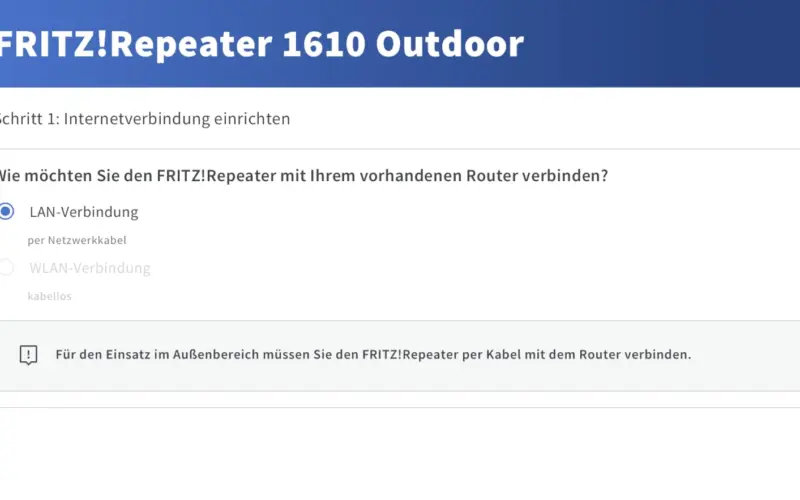
Our buying guides Buying a Wi-Fi repeater and Buying mesh Wi-Fi give a market overview with devices from various manufacturers. If you’d rather replace your router first, you’ll find models in the guide Buying a router. For the garden, we tested the FRITZ!Repeater 1610 Outdoor, which works outdoors only with a LAN cable.
Our verdict
Over the years, the FRITZ!Repeater 3000 has proven itself as a dependable Wi-Fi extension for us. It integrates cleanly into the FRITZ!Box mesh, is very easy to manage and receives regular updates. The LAN bridge makes it strong even where walls swallow the radio signal. An occasional manual restart is part of the experience but hardly matters in everyday use. We wouldn’t want to be without it and award five out of five stars.
Are you a manufacturer or retailer and would like us to test your product? Offer a product for testing (in German).
Frequently asked questions
How reliable is the FRITZ!Repeater 3000 in continuous operation?
Very reliable. We ran two units for years. Occasionally one froze. Then it helped to unplug the power adapter, wait a few minutes and plug it back in.
What does the LAN bridge do?
The repeater connects to the router via a network cable and only broadcasts the Wi-Fi on site. That way, walls between the router and the repeater don't weaken the link. With a FRITZ!Box running FRITZ!OS 7.00 or later, the LAN bridge sets itself up automatically, according to FRITZ!.
Does the repeater update itself?
Yes. FRITZ!OS can update automatically from the internet; in a mesh, the FRITZ!Box manages this. According to FRITZ!, updates are provided until at least January 1, 2029.
What is the difference between the FRITZ!Repeater 3000 and the 6000?
The housing is the same. According to FRITZ!, the 6000 uses Wi-Fi 6 with higher data rates, has twelve antennas and a 2.5 Gigabit port alongside a Gigabit port. The 3000 has Wi-Fi 5 and two Gigabit ports.
Does the repeater work without a FRITZ!Box?
Yes, according to FRITZ! it works with any router. However, a mesh with shared settings is only available with a FRITZ!Box running FRITZ!OS 7.00 or later.
Sources
- FRITZ!: FRITZ!Repeater 3000 manual (PDF, German), specifications, mesh, LAN bridge, auto-update
- FRITZ!: Product support status (FRITZ!OS version, updates, warranty)
- FRITZ!: FRITZ!Repeater 3000 service
- FRITZ!: FRITZ!Repeater 3000 AX manual (PDF, German)
- FRITZ!: FRITZ!Repeater 6000 manual (PDF, German)
- FRITZ!: press release of August 5, 2025, AVM is now FRITZ!
Conclusion
The FRITZ!Repeater 3000 extends the Wi-Fi reliably over the years. It integrates cleanly into the FRITZ!Box mesh, the interface is very simple yet offers plenty of settings, and updates arrive automatically. With the LAN bridge, walls stop being an obstacle. Occasionally a manual restart helps. Five out of five stars.
Where to buy
- FRITZ!Repeater 3000Check price at Amazon.deCheck price at Amazon.co.ukCheck price at Amazon.nlCheck price at Amazon.com.beCheck price at Amazon.frCheck price at Amazon.itCheck price at Amazon.esCheck price at Amazon.plCheck price at Amazon.seAvailable in Germany: Amazon.de
- FRITZ!Repeater 3000 AX (Wi-Fi-6-Ausführung)Check price at Amazon.deCheck price at Amazon.co.ukCheck price at Amazon.nlCheck price at Amazon.com.beCheck price at Amazon.frCheck price at Amazon.itCheck price at Amazon.esCheck price at Amazon.plCheck price at Amazon.seAvailable in Germany: Amazon.deView at MediaMarkt CH
Still undecided?
Keep comparing at your own pace – every article in this category is checked monthly for new and discontinued models.
Share this review
For manufacturers and retailers: embed the review seal
Do you make or sell this product? Then you can show the seal for this review on your website. It links to this review. Embedding is free of charge.


Please embed the code unchanged. The seal applies only to this product and this review. Terms of use and embedding notes