Contents11 sections
This guide was first published in German on handgetestet.de.
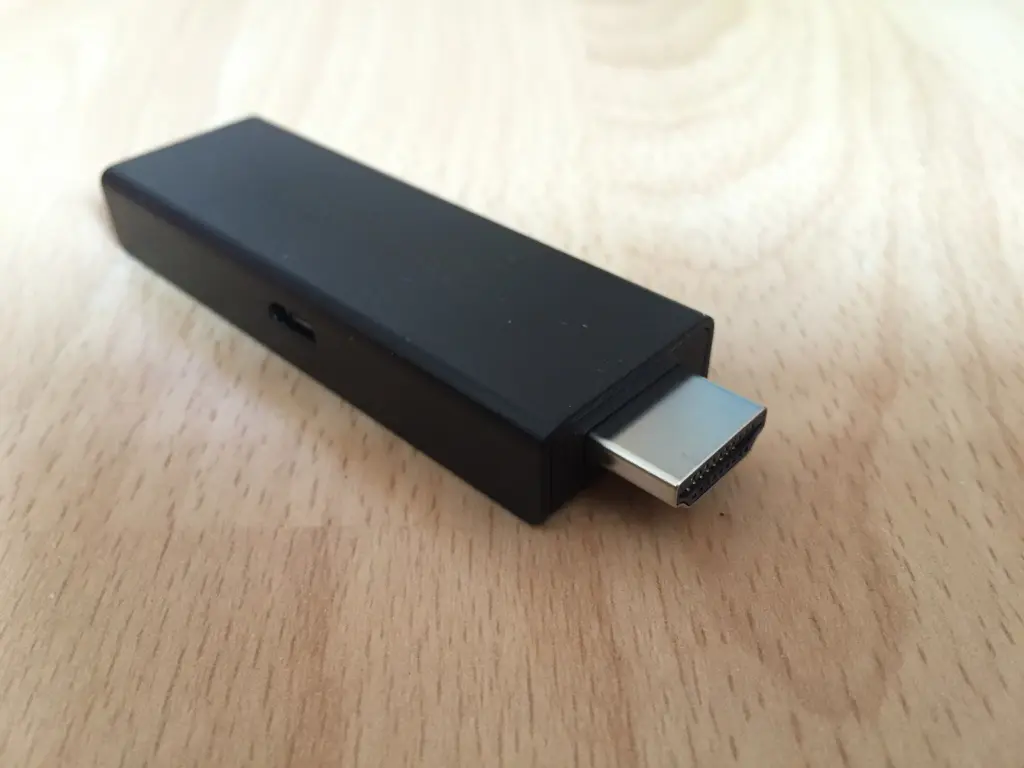
A streaming stick rarely disappoints because it is too slow. More often, the HDR format does not match. If there is a Dolby Vision TV in the living room and the cheapest 4K stick gets plugged into it, exactly the feature you paid extra for on the TV goes unused. That is why the Amazon Fire TV Stick 4K Max suits most living rooms: it supports Dolby Vision, HDR10+ and Dolby Atmos and stays in the mid-price range. If ads in the menu bother you, the Apple TV 4K is an option.
What does the TV need to support?
A streaming device can only deliver what the TV and sound system understand. So your TV’s data sheet comes first.
Practically every device handles HDR10. The interesting ones are the dynamic formats Dolby Vision and HDR10+, which adjust brightness and contrast scene by scene. Not every TV supports both. A stick that handles both will still suit your next TV.
For sound, the rule is: Dolby Atmos only makes a difference if a compatible soundbar or AV receiver is connected via HDMI eARC. How to choose one is explained in our guide to soundbars.
- Network: 4K streams need a stable connection. If the router is close to the TV, boxes with an Ethernet port have the advantage. If the Wi-Fi is already shaky at the TV, a mesh system often helps more than a more expensive stick.
- Storage: 8 GB fills up quickly with a few large apps. If you install many services or games, 16 GB or more gives you peace of mind.
How much advertising and data collection do you have to accept?
Inexpensive sticks are partly financed through the home screen. On Fire TV, large ad spaces and recommendations are particularly noticeable; outlets such as Netzwelt and PC-Welt describe how to switch off autoplay, personalized advertising and the tracking of app usage. That does not make the ads disappear completely. According to Futurezone, Google TV also shows advertising, but less of it. On Roku, according to Roku Support, only ad banners in menus and screensavers can be controlled, not video ads or advertising in partner apps.
According to reports from heise online and MacRumors, the Apple TV 4K is the most restrained device, because Apple does not use automatic content recognition on it. It is still not data-free. According to the Mozilla Foundation, Apple records what you watch and buy and uses that for recommendations. After setup, review the privacy settings on any device.
Which devices are on the shortlist?
| Model | HDR formats (manufacturer) | Features | Best for |
|---|---|---|---|
| Amazon Fire TV Stick 4K Select | HDR10, HDR10+, HLG, no Dolby Vision | 8 GB, Vega OS, Amazon Appstore only | Entry level without a Dolby Vision TV |
| Amazon Fire TV Stick 4K Max (2nd gen.) | Dolby Vision, HDR10+, HDR10, HLG | 16 GB, Wi-Fi 6E, Dolby Atmos | Most households |
| Roku Streaming Stick 4K | Dolby Vision, HDR10+, HLG | Streamlined menu, voice remote | Anyone looking for a simple interface |
| Google TV Streamer | Dolby Vision, HDR10+, HDR10, HLG | 32 GB, 4 GB RAM, Gigabit Ethernet, Thread, Matter | Google users with a smart home |
| Apple TV 4K (A19) | Dolby Vision, HDR10+, HDR10, HLG | 128 GB, Wi-Fi 7, Gigabit Ethernet, Thread | Anyone who wants few ads and iPhone integration |
| Nvidia Shield TV Pro | Dolby Vision, HDR10 | 16 GB, 2 × USB 3.0, Gigabit Ethernet, AI upscaling | Home theater tinkerers, Plex, personal media collection |
Amazon Fire TV Stick 4K Select
Amazon’s cheapest 4K stick runs the new, Linux-based Vega OS instead of Android. Apps come exclusively from the Amazon Appstore; you can no longer sideload your own apps. It supports HDR10, HDR10+ and HLG, but not Dolby Vision. According to hifi.de, it does not decode Dolby audio itself but only passes it through. That is enough for a TV without Dolby Vision or a second device in the bedroom. If your TV has Dolby Vision, this is saving money in the wrong place.
Amazon Fire TV Stick 4K Max (2nd generation)
The Max covers all common formats: Dolby Vision, HDR10+, Dolby Atmos. On top of that come 16 GB of storage, at least 2 GB of RAM and Wi-Fi 6E. In return, you get the most ad-heavy home screen in this field. If you can live with that, you get a lot of technology for reasonable money.
Roku Streaming Stick 4K
Roku relies on a simple tile menu. According to the specifications at launch, the stick supports Dolby Vision, HDR10+ and HLG. The model dates from 2021. It is still listed as new on Amazon.de. According to the listing, Netflix, Prime Video, Disney+, YouTube and the streaming libraries of German broadcasters all run on it. Caution is advised with Dolby Atmos. Roku gives no reliable information on this.
Google TV Streamer
As the successor to Chromecast, it is a small box instead of a stick. Google states 32 GB of storage, 4 GB of RAM, Gigabit Ethernet, Dolby Vision, HDR10+ and Dolby Atmos. It works as a Thread border router and controls Matter devices, which makes it interesting for a Google Home household. At Wi-Fi 5, the wireless is no longer the latest, but over a cable that does not matter.
Apple TV 4K (A19)
According to Apple, the new Apple TV 4K uses the A19 chip and has 128 GB of storage, Wi-Fi 7 and Gigabit Ethernet. It supports Dolby Vision, HDR10+, HLG and Dolby Atmos and supports Thread for HomeKit and Matter accessories. It is the most expensive device here. In return, you get the calmest home screen and the closest connection to the iPhone. If you do not own an Apple device, you pay for advantages you will hardly use.
Nvidia Shield TV Pro
A veteran. Nvidia uses the Tegra X1+ with 3 GB of RAM, two USB 3.0 ports and Gigabit Ethernet; DTS:X is passed through to the receiver. Its strength lies in personal film collections, Plex servers and the AI upscaling Nvidia uses to upscale HD material to 4K. HDR10+ is missing, and the HDMI port is version 2.0b. For simply watching Netflix, it is too expensive, and availability on Amazon.de fluctuates.
So which device is right for you?
Normally, the Fire TV Stick 4K Max. All the important formats, enough storage, a mid-range price, ads in the menu included. If money is tight and the TV has no Dolby Vision, the Fire TV Stick 4K Select is enough; with a Dolby Vision TV, go straight for the Max.
Few ads and more privacy speak for the Apple TV 4K, especially with an iPhone in the household. For a smart home with Google: the Google TV Streamer, on an Ethernet cable. And for your own film collection with Plex, the Nvidia Shield TV Pro, provided it is available new.
Before you buy an expensive stick, also check the TV itself. How good Dolby Vision ultimately looks is decided by the panel. What matters there is covered in our guide to OLED TVs.
Frequently asked questions
What should I look for when buying a streaming stick?
First, your TV's data sheet, because a stick can only deliver what the TV and sound system understand. The dynamic HDR formats Dolby Vision and HDR10+ are important. A stick that handles both will still suit your next TV. A stable network connection and enough storage also count.
What is the difference between the Fire TV Stick 4K Select and the 4K Max?
The 4K Select lacks Dolby Vision; it supports HDR10, HDR10+ and HLG and runs Vega OS, with apps only from the Amazon Appstore. The 4K Max additionally supports Dolby Vision and Dolby Atmos and has 16 GB of storage and Wi-Fi 6E. With a Dolby Vision TV, the Select saves money in the wrong place.
When does Dolby Atmos on a streaming stick make a difference?
Only if a compatible soundbar or AV receiver is connected via HDMI eARC. Without that sound system, the stick's Atmos capability goes unused. With the Roku Streaming Stick 4K, caution is also advised, as Roku gives no reliable information on this.
Which streaming stick shows the least advertising?
According to reports from heise online and MacRumors, the Apple TV 4K is the most restrained device because Apple does not use automatic content recognition. On Fire TV, large ad spaces are particularly noticeable; Google TV shows fewer. On Roku, only ad banners in menus and screensavers can be controlled.
How much storage does a streaming stick need?
8 GB fills up quickly with a few large apps. If you install many services or games, 16 GB or more gives you peace of mind. The Google TV Streamer comes with 32 GB, the Apple TV 4K with 128 GB.
Should I connect a streaming stick via Wi-Fi or Ethernet?
4K streams need a stable connection. If the router is close to the TV, boxes with an Ethernet port have the advantage, such as the Google TV Streamer, Apple TV 4K or Nvidia Shield TV Pro with Gigabit Ethernet. If the Wi-Fi is already shaky at the TV, a mesh system often helps more than a more expensive stick.
Sources
- Apple: Apple TV 4K, technical specifications
- Google Store: Google TV Streamer, technical specifications
- Nvidia: Shield TV Pro
- hifi.de: Fire TV Stick 4K Max (2nd generation), technical specifications
- hifi.de: Fire TV with Vega OS
- Cord Cutters News: Roku Streaming Stick 4K
- heise online: Privacy on the Apple TV
- MacRumors: Apple TV and privacy
- Mozilla Foundation: Privacy Not Included, Apple TV 4K
- Netzwelt: Stopping data collection on streaming sticks
- Futurezone: Advertising on Fire TV
Where to buy
- Amazon Fire TV Stick 4K Max (2. Gen.)Check price at Amazon.deCheck price at Amazon.co.ukCheck price at Amazon.nlCheck price at Amazon.com.beCheck price at Amazon.frCheck price at Amazon.itCheck price at Amazon.esCheck price at Amazon.plCheck price at Amazon.seAvailable in Germany: Amazon.de
- Amazon Fire TV Stick 4K SelectCheck price at Amazon.deCheck price at Amazon.co.ukCheck price at Amazon.nlCheck price at Amazon.com.beCheck price at Amazon.frCheck price at Amazon.itCheck price at Amazon.esCheck price at Amazon.plCheck price at Amazon.seAvailable in Germany: Amazon.de
- Apple TV 4K A19 128 GBCheck price at Amazon.deCheck price at Amazon.co.ukCheck price at Amazon.nlCheck price at Amazon.com.beCheck price at Amazon.frCheck price at Amazon.itCheck price at Amazon.esCheck price at Amazon.plCheck price at Amazon.seAvailable in Germany: Amazon.de
- Google TV StreamerCheck price at Amazon.deCheck price at Amazon.co.ukCheck price at Amazon.nlCheck price at Amazon.com.beCheck price at Amazon.frCheck price at Amazon.itCheck price at Amazon.esCheck price at Amazon.plCheck price at Amazon.seAvailable in Germany: Amazon.deView at CoolblueAvailable in Germany: Coolblue
- Roku Streaming Stick 4KCheck price at Amazon.deCheck price at Amazon.co.ukCheck price at Amazon.nlCheck price at Amazon.com.beCheck price at Amazon.frCheck price at Amazon.itCheck price at Amazon.esCheck price at Amazon.plCheck price at Amazon.seAvailable in Germany: Amazon.de
- Nvidia Shield TV ProCheck price at Amazon.deCheck price at Amazon.co.ukCheck price at Amazon.nlCheck price at Amazon.com.beCheck price at Amazon.frCheck price at Amazon.itCheck price at Amazon.esCheck price at Amazon.plCheck price at Amazon.seAvailable in Germany: Amazon.de