Contents10 sections
This guide was first published in German on handgetestet.de.
A cutting plotter that is too small for your own projects is an annoyance every single time. Window vinyl, heat transfer vinyl for T-shirts, occasionally fabric: for that you need a 30-centimeter cutting width and a rotary blade. That is why, in many cases, the search ends with the Cricut Maker 5. For cards and stickers, the small Silhouette Portrait 4 is enough, at a much lower price.
Six cutting plotters you can find on Amazon in 2026
What’s behind the columns
All the machines here cut vinyl, heat transfer vinyl and paper. They differ in four points that tend to get lost in the brochure.
Around 30 centimeters of cutting width is the standard for hobby machines; compact models manage about 21 centimeters. That is enough for A4. Lettering across an entire rear window is not.
Normally, the material sticks to a cutting mat. Without a mat, it only works with vinyl on backing paper, and with Cricut exclusively with the company’s own „Smart Materials“ line. So with Cricut, you still cut inexpensive roll material from other manufacturers on the mat.
Fabric requires a rotary blade or a special fabric blade. For chipboard, leather or balsa wood up to around 3 millimeters, you need a strong blade and enough pressure. Some blades are included, others cost extra.
That leaves the software, and the subscription is often misunderstood. You control the machine from a computer or via an app, and all three manufacturers offer free basic software. Subscriptions mainly concern templates and fonts, not the machine itself. According to the manufacturer, Cricut Design Space is free; the Cricut Access subscription unlocks the large library of designs and fonts. Silhouette Studio is available as a free Basic Edition; according to Silhouette, you buy upgrades such as the Designer Edition once, and only from this level can you load your own designs as SVG. Brother describes its CanvasWorkspace software as free.
Cricut Maker 5: the widest range
Cricut’s current top model. Cricut lists 13 tools, including a rotary blade for fabric and the Knife Blade for materials up to 3 millimeters. On the large mat, the Maker 5 cuts 29.2 × 60.3 centimeters, and with Smart Vinyl up to 3.6 meters in one piece. The connection is via USB-C or Bluetooth. Two limitations remain: several tools cost extra, and without a mat it only works with Cricut material. On Amazon, the Maker 5 is currently only available in a bundle with accessories (Essential, Deluxe or Ultimate Bundle); our buy button leads to the Ultimate Bundle.
Cricut Maker 4: the predecessor in a bundle
The Maker 4 is still available on Amazon, usually as a bundle with material. It uses the same 13 tools, but cuts Smart Materials only 29.7 centimeters wide, and Cricut rates it for material up to 2.4 millimeters. It is also larger and heavier than its successor. It becomes interesting when the bundle is noticeably cheaper than a comparable Maker 5.
Cricut Joy Xtra: small, but with limits
According to Cricut, the Joy Xtra is only around 32 centimeters long. It cuts Smart Materials 21.6 centimeters wide, single designs up to 1.2 meters long, and about A4 on the mat. It handles three tools: cutting, writing and foil embossing. Fabric, leather and chipboard are not its territory. It is enough for birthday cards and mug stickers. As a long-term hobby, it often gets cramped.
Silhouette Cameo 5 Alpha: lots of area, no subscription required
According to Silhouette, the new Alpha generation of the Cameo cuts 30.5 × 61 centimeters on the mat, and vinyl with backing paper without a mat up to 4.9 meters long. Two tool holders, a self-adjusting AutoBlade and material up to 3 millimeters are part of the package. An electrostatic mat is included as an accessory; according to the manufacturer, it holds thin materials up to 0.5 millimeters without adhesive. Lots of vinyl and heat transfer vinyl from any roll material? Then you have more freedom here than with Cricut. Fabric requires a separate blade.
Silhouette Portrait 4: the affordable way in
Silhouette gives a cutting width of 21.6 centimeters for the Portrait 4, and up to 21.6 × 30.5 centimeters on the mat. Without a mat, it handles vinyl with backing in long lengths. Bluetooth and USB are included. In terms of price, it belongs to the entry-level range and costs significantly less on Amazon than the large machines. The compromise you pay is the cutting width.
Brother ScanNCut SDX1350: the plotter with a scanner
Brother takes its own path. A 600 dpi scanner, a touchscreen, operation entirely without a computer. According to the manufacturer, a sensor detects the material thickness and adjusts the automatic blade itself; it cuts up to 3 millimeters at a width of 297 millimeters. For appliqués on the sewing machine or cut quilt pieces, this is the most coherent concept. Long lengths of vinyl, however, are not much fun with the mat.
Which plotter for which project?
- Vinyl, heat transfer vinyl, paper and occasionally fabric: Cricut Maker 5. It covers the widest range of materials, provided you budget for additional tools.
- Lots of vinyl from the roll, without being tied to one material manufacturer: Silhouette Cameo 5 Alpha.
- Cards and stickers up to A4, small budget: Silhouette Portrait 4. The Joy Xtra is the alternative if you would rather stay in the Cricut world.
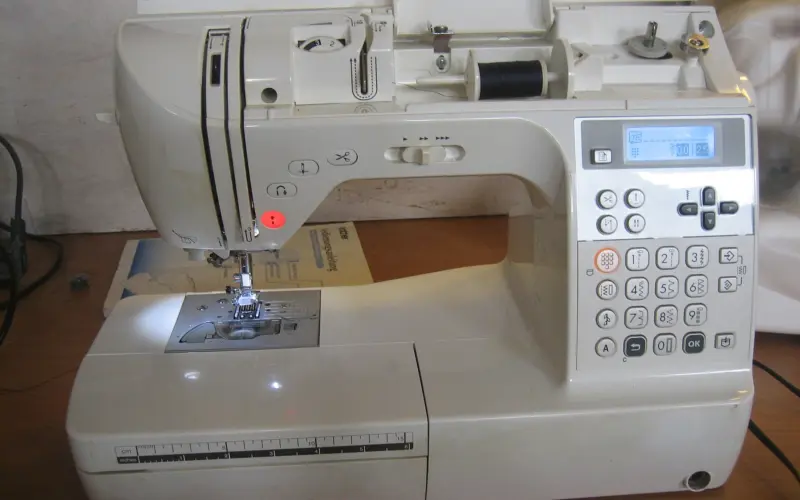
- Sewing and quilting: Brother ScanNCut SDX1350.
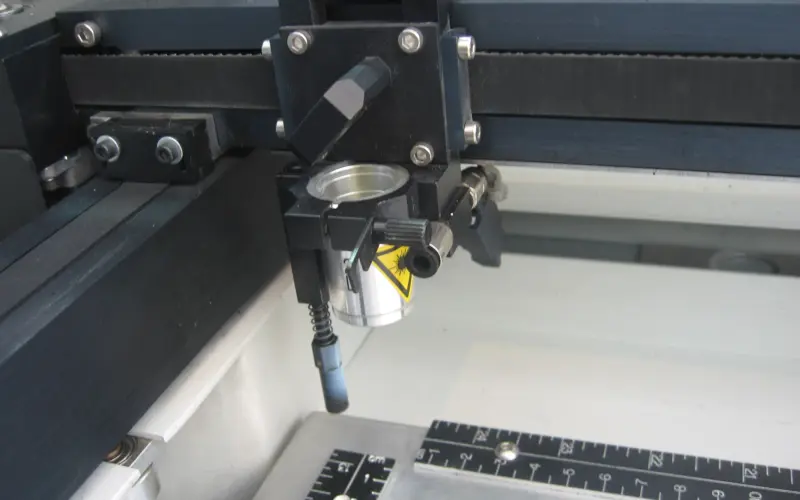
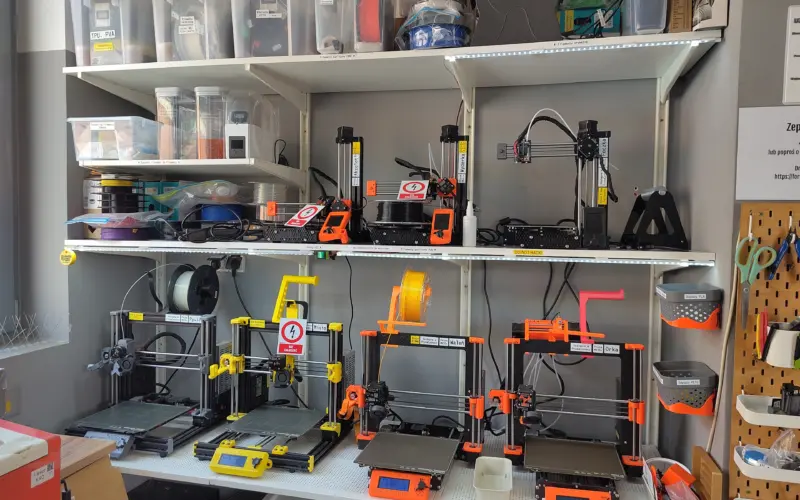
- Engraving wood or acrylic as the main purpose: A plotter only engraves the surface. In that case a laser engraver is a better fit, and for three-dimensional parts a 3D printer.
And consumables belong in the calculation. Mats lose their stickiness, blades get dull, Smart Materials only come from Cricut. If you cut a lot, you notice it in your bank account sooner than on the machine.
Frequently asked questions
What cutting width does a cutting plotter need?
Around 30 centimeters is the standard for hobby machines; compact models manage about 21 centimeters. That is enough for A4, but not for lettering across an entire rear window. For window vinyl, heat transfer vinyl for T-shirts and occasional fabric, you need the 30 centimeters.
Can you cut with a plotter without a cutting mat?
Only with vinyl on backing paper, and with Cricut exclusively with the company's own "Smart Materials" line. So with Cricut, you still cut inexpensive roll material from other manufacturers on the mat. The Silhouette Cameo 5 Alpha cuts material with backing without a mat up to 4.9 meters long.
Do you need a subscription for a cutting plotter?
No. All three manufacturers offer free basic software. Subscriptions mainly concern templates and fonts: Cricut Access unlocks the large design library. With Silhouette, you buy upgrades such as the Designer Edition once, and only from this level can you load your own SVG designs.
What is the difference between the Cricut Maker 5 and Maker 4?
Both use the same 13 tools. The Maker 5 cuts Smart Materials 30.5 cm wide and material up to 3 mm, while the Maker 4 only manages 29.7 cm and, according to Cricut, up to 2.4 mm. The predecessor is also larger and heavier. It becomes interesting when the bundle is noticeably cheaper.
Which plotter is suitable for sewing and quilting?
The Brother ScanNCut SDX1350 has a 600 dpi scanner and a touchscreen and works entirely without a computer. According to the manufacturer, a sensor detects the material thickness and adjusts the blade automatically. The concept suits appliqués and quilt pieces; long lengths of vinyl are not much fun with the mat.
What follow-up costs does a cutting plotter have?
Consumables belong in the calculation: mats lose their stickiness, blades get dull, and Smart Materials only come from Cricut. With the Cricut Maker 5, several tools also cost extra. If you cut a lot, you notice it in your bank account sooner than on the machine.
Sources
- Cricut: Maker 5 specifications
- Cricut: Maker 4 and Maker 5 compared
- Cricut: Maker 4 product page
- Cricut: Joy Xtra quick start
- Silhouette: Cameo 5 Alpha
- Silhouette: Portrait 4
- Silhouette: Cutting mats
- Brother: ScanNCut SDX1350
Where to buy
- Cricut Maker 5 (Ultimate Bundle)Check price at Amazon.deCheck price at Amazon.co.ukCheck price at Amazon.nlCheck price at Amazon.com.beCheck price at Amazon.frCheck price at Amazon.itCheck price at Amazon.esCheck price at Amazon.plCheck price at Amazon.seAvailable in Germany: Amazon.de
- Cricut Maker 4Check price at Amazon.deCheck price at Amazon.co.ukCheck price at Amazon.nlCheck price at Amazon.com.beCheck price at Amazon.frCheck price at Amazon.itCheck price at Amazon.esCheck price at Amazon.plCheck price at Amazon.seAvailable in Germany: Amazon.de
- Cricut Joy XtraCheck price at Amazon.deCheck price at Amazon.co.ukCheck price at Amazon.nlCheck price at Amazon.com.beCheck price at Amazon.frCheck price at Amazon.itCheck price at Amazon.esCheck price at Amazon.plCheck price at Amazon.seAvailable in Germany: Amazon.de
- Silhouette Cameo 5 AlphaCheck price at Amazon.deCheck price at Amazon.co.ukCheck price at Amazon.nlCheck price at Amazon.com.beCheck price at Amazon.frCheck price at Amazon.itCheck price at Amazon.esCheck price at Amazon.plCheck price at Amazon.seAvailable in Germany: Amazon.de
- Silhouette Portrait 4Check price at Amazon.deCheck price at Amazon.co.ukCheck price at Amazon.nlCheck price at Amazon.com.beCheck price at Amazon.frCheck price at Amazon.itCheck price at Amazon.esCheck price at Amazon.plCheck price at Amazon.seAvailable in Germany: Amazon.de
- Brother ScanNCut SDX1350Check price at Amazon.deCheck price at Amazon.co.ukCheck price at Amazon.nlCheck price at Amazon.com.beCheck price at Amazon.frCheck price at Amazon.itCheck price at Amazon.esCheck price at Amazon.plCheck price at Amazon.seAvailable in Germany: Amazon.de
Still undecided?
Keep comparing at your own pace – every article in this category is checked monthly for new and discontinued models.