Contents14 sections
This guide was first published in German on handgetestet.de.
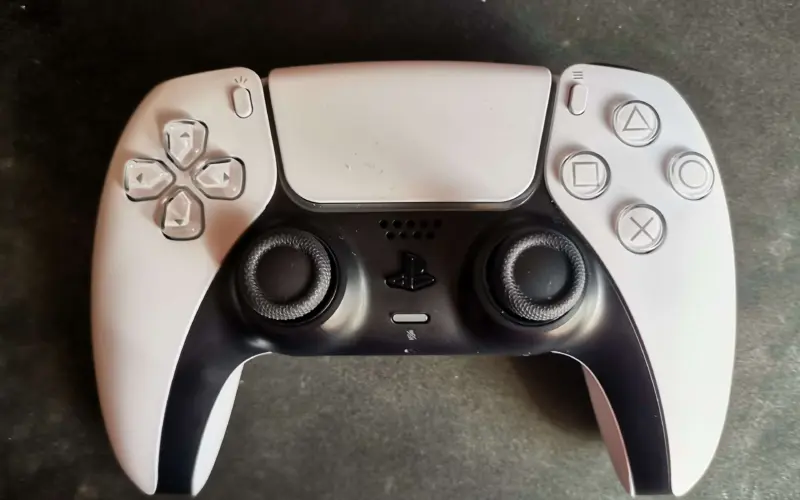
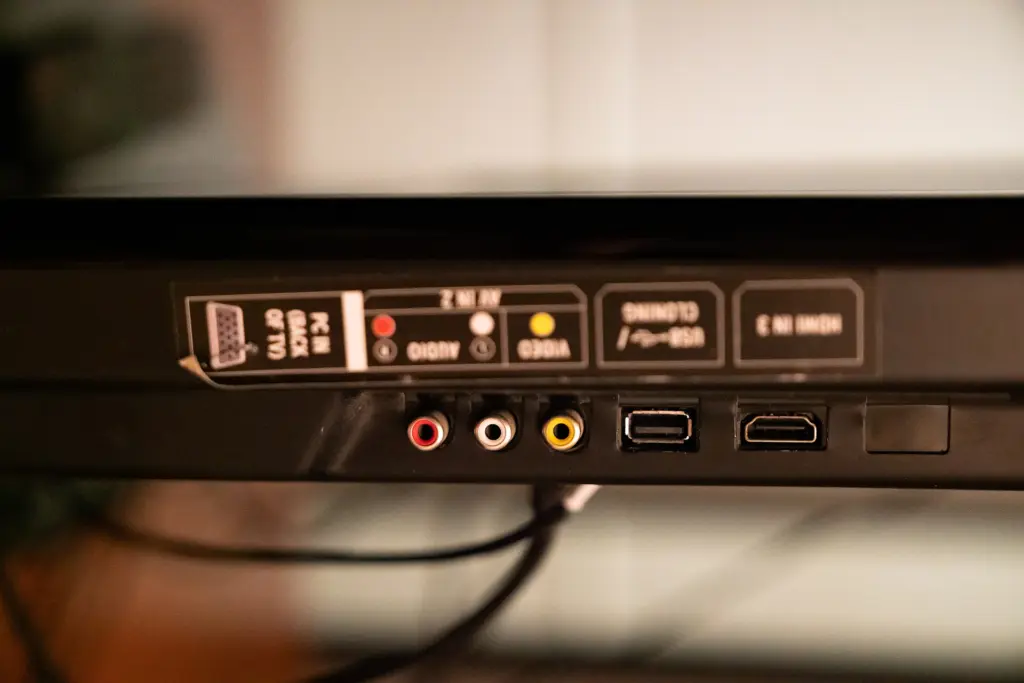
The PlayStation 5 is connected to the TV, so is the Xbox, the streaming stick is still looking for a spot, and the soundbar occupies the eARC port. By now, you are one connection short. For consoles plus a soundbar, we consider the FeinTech AX340 the most coherent solution, because it combines four inputs, a dedicated eARC output and, according to the manufacturer, VRR and ALLM in one device. If no soundbar is connected via HDMI, the Digitus DS-55333 with three inputs and a remote control is enough. A switch only helps, however, if it does not lose the consoles‘ 4K at 120 Hz along the way.
If the soundbar is connected not to a TV but to a projector, different rules apply to the audio. Our guide Soundbar with a projector (in German) covers that. If you want to connect an Ultra HD Blu-ray player, you will find one in our guide to 4K Blu-ray players (in German).
Switch or splitter? First clarify the direction
Retailers freely mix up the two terms. A switch routes several sources to one screen. A splitter distributes one source to several screens, and does so simultaneously. In between, there are bidirectional switches such as the Hama 00205324: it switches two sources to one display or one source to one of two displays. According to Hama, it does not show anything on both at once.
So if you want to feed a TV and a projector with the same picture in parallel, you need a true splitter. Finding that out when unboxing is too late.
4K at 120 Hz: what the switch has to deliver
Consoles running 4K at 120 Hz need an HDMI 2.1 signal path. The HDMI consortium specifies up to 48 Gbps for this generation and introduced the Ultra High Speed HDMI Cable for it. The switch sits right in the middle of this chain. If it manages less, only 60 Hz or a lower resolution reaches the TV.
The box often says „8K.“ That alone says little. We look for three specs in the data sheet: 4K at 120 Hz, 48 Gbps and HDCP 2.3. For gamers, VRR and ALLM come on top. According to the HDMI consortium, with VRR the console outputs each frame as soon as it is rendered instead of waiting for the TV’s fixed refresh cycle; this reduces stutter and screen tearing. If a switch does not pass this through, the game still runs. Just without that smoothing.
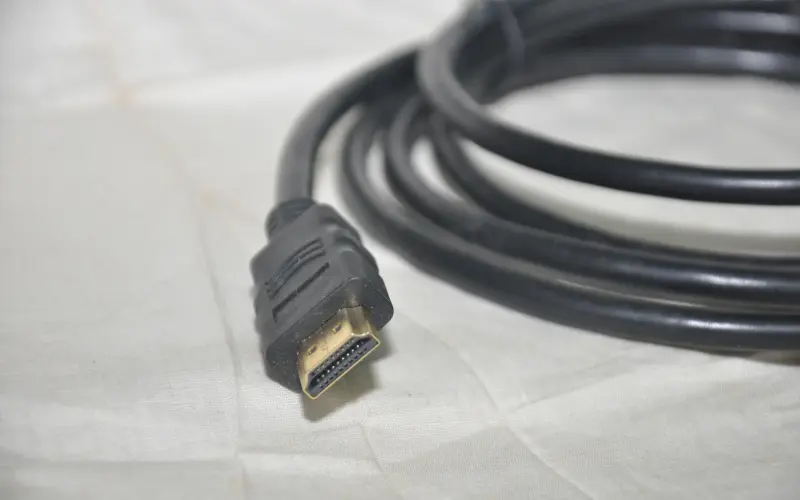
Then there is cable length. For 8K and for 4K at 120 Hz, FeinTech recommends passive cables of no more than 2 meters at inputs and outputs, and up to 5 meters for 4K at 60 Hz. A switch behind the TV stand with 3-meter cables to the console is already outside this recommendation. How to recognize a certified cable is explained in our guide to HDMI cables.
Soundbar with only one HDMI port: wiring eARC sensibly
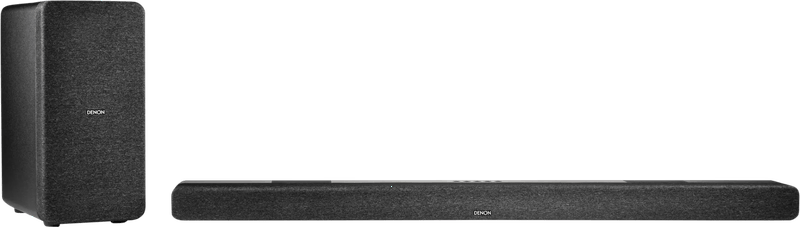
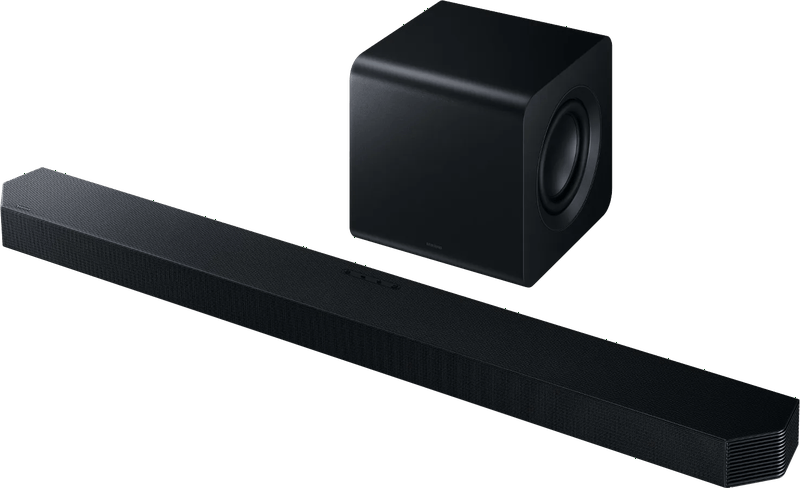
If the soundbar is connected to the TV’s eARC port, that port is lost for source devices. An ordinary switch does not change that. The FeinTech AX340 therefore has a dedicated eARC output for the soundbar. Console audio goes straight there, and audio from the TV apps comes back from the TV via eARC. According to the manual, you then control the volume with the TV remote, and the switch and soundbar turn on and off with the TV. FeinTech openly states one limit: eARC only works reliably up to a total length of about 10 meters.
The situation is different with an older AV receiver that does not pass through 4K at 120 Hz. Then the picture should go directly to the TV and only the audio to the receiver. For that, there are switches with a dedicated audio output such as the FeinTech SW411.
HDCP: stay away from devices that disable the protection
HDCP is the copy protection on the HDMI signal path, and every switch in between has to support it. The FeinTech and Digitus devices in our table state HDCP 2.3. For the two Hama models, the data sheet gives no version.
Some splitters advertise „HDCP bypass.“ We advise against them. Section 95a of the German Copyright Act prohibits circumventing effective technical protection measures without the rights holder’s consent and even bans selling and advertising devices designed primarily for that purpose. For a console, streaming and Blu-ray in the living room, you do not need anything like that anyway.
Remote control and automatic switching: convenient, with exceptions
A remote control sounds like a luxury until the switch is stuck behind the TV. The Digitus DS-55333 switches via remote, via a button on the device or automatically, and you can turn off the infrared receiver.
The automatic mode jumps to the device that was switched on last. Sounds good. In its manual, however, FeinTech points out that some source devices such as Apple TV or Xbox do not switch off completely and keep the HDMI connection active. When you switch them on again, the switch stays on the old input, and you end up reaching for the remote after all. So do not count on the automatic mode taking care of everything by itself.
Six HDMI switches and splitters side by side
FeinTech AX340
Four inputs, one video output and a dedicated eARC output for the soundbar. FeinTech specifies 48 Gbps, 4K at 120 Hz in RGB or 4:4:4 with 12 bits, 8K at 60 Hz in 4:2:0, plus VRR, ALLM, QMS and HDCP 2.3. According to the manual, Dolby TrueHD with Atmos and DTS:X are passed through. At 17.6 cm wide, the housing is no tiny box, and it needs a power supply. For two consoles plus a soundbar, it is still the tidiest solution in our table.
FeinTech SW411
The same video specs as the AX340, but a different audio concept. Alongside the video output, there is an HDMI audio output for an AV receiver as well as optical and analog outputs. FeinTech explicitly states that this output belongs on a regular HDMI input of the receiver, not its eARC port. Via Toslink, only stereo, Dolby Digital and DTS come through, and via the jack only stereo. The SW411 makes sense if the receiver is to stay but the picture has to bypass it.
Digitus DS-55333
Three inputs, one output, power via USB-C at no more than 5 watts, for example from the source device or a USB charging adapter. Digitus specifies 48 Gbps, HDCP 2.3, CEC and, in the quick guide, 4K at 50, 60 and 120 Hz as well as 8K at 60 Hz. A remote control is included, but its two AAA batteries are not. The data sheet does not mention VRR or ALLM, and the device has no eARC. For a console, streaming box and Blu-ray player on one TV, that is enough.
Hama 00205324 „bidirectional“
The smallest route to an extra connection. Just over 7 cm wide, powered from the HDMI line, switched with a button. Hama specifies 8K at 60 Hz and 4K at 120 Hz and mentions the PlayStation 5 and Xbox Series X. The data sheet says nothing about bandwidth, HDCP version or VRR, and there is no remote control. If you connect two consoles to one monitor and rarely switch, you do not need more.
Hama 00121770
Not a device for the current console generation. Hama states a maximum of 3840 × 2160 pixels at 60 Hz. In return, you get three inputs, a remote control with a CR2025 coin cell and an aluminum housing; according to Hama, an external power supply is optional. A satellite receiver, Blu-ray player and streaming stick on a 60 Hz TV are well served by it.
Digitus DS-55339 (splitter)
The only true splitter here: one input, two outputs with the same picture. According to the quick guide, 8K at 60 Hz, 4K at 120 Hz and 1080p at 240 Hz are possible, and HDCP 2.3 is stated. On the second output, a downscaler converts the signal down to 4K or Full HD, for example for an older projector. Using DIP switches, the splitter adopts the capabilities of output 1 or one of 15 fixed settings. CEC only works on output 1. Audio can also be tapped optically or via the 3.5 mm jack.
How we would decide
- PS5, Xbox and soundbar on one TV: FeinTech AX340, because the soundbar gets its own eARC output.
- An AV receiver without HDMI 2.1 is to stay: FeinTech SW411, picture directly to the TV, audio via HDMI to the receiver.
- Three source devices, audio comes from the TV: Digitus DS-55333.
- Two devices, one port, no demands on convenience: Hama 00205324.
- A 60 Hz TV and older source devices: Hama 00121770.
- One picture on two screens: Digitus DS-55339; a switch cannot do that.
Whether true up-firing drivers or virtualization suit your ceiling is covered in our guide to the Dolby Atmos soundbar.
Frequently asked questions
What is the difference between an HDMI switch and a splitter?
A switch routes several sources to one screen. A splitter distributes one source to several screens at the same time. Bidirectional switches such as the Hama 00205324 can work in both directions but never show a picture on two displays at once. For a TV and a projector in parallel, you need a true splitter.
What should you look for in an HDMI switch for PS5 and Xbox?
An "8K" label says little. What counts in the data sheet are 4K at 120 Hz, 48 Gbps and HDCP 2.3, and for gamers also VRR and ALLM. If the switch manages less, only 60 Hz or a lower resolution reaches the TV.
How long can the HDMI cables on the switch be?
For 4K at 120 Hz, FeinTech recommends passive cables of no more than 2 meters at inputs and outputs, and up to 5 meters for 4K at 60 Hz. A switch behind the TV stand with 3-meter cables to the console is already outside this recommendation.
How do you connect a soundbar with eARC and a switch?
If the soundbar is connected to the TV's eARC port, that port is lost for source devices. The FeinTech AX340 has a dedicated eARC output for this: console audio goes straight to the soundbar, and audio from the TV apps comes back via eARC. You control it with the TV remote.
Are HDMI splitters with HDCP bypass allowed?
We advise against them. Section 95a of the German Copyright Act prohibits circumventing effective protection measures without consent and even bans selling and advertising devices designed primarily for that purpose. You do not need anything like that for a console, streaming or Blu-ray.
Does automatic switching work reliably?
Not always. The automatic mode jumps to the device that was switched on last. According to FeinTech, some source devices such as Apple TV or Xbox keep the HDMI connection active even when switched off; the switch then stays on the old input and you have to reach for the remote.
Sources
- FeinTech AX340, operating manual and technical data (PDF)
- FeinTech SW411, operating manual and technical data (PDF)
- Digitus DS-55333, data sheet (PDF)
- Digitus DS-55333, quick guide (PDF)
- Digitus DS-55339, data sheet (PDF)
- Digitus DS-55339, quick guide (PDF, English)
- Hama 8K HDMI switch „bidirectional“ 00205324
- Hama 4K HDMI switch 3×1 00121770
- HDMI Licensing Administrator: HDMI specification, bandwidth and cables
- HDMI Licensing Administrator: Variable Refresh Rate
- Section 95a of the German Copyright Act: protection of technical measures
Where to buy
- FeinTech AX340Check price at Amazon.deCheck price at Amazon.co.ukCheck price at Amazon.nlCheck price at Amazon.com.beCheck price at Amazon.frCheck price at Amazon.itCheck price at Amazon.esCheck price at Amazon.plCheck price at Amazon.seAvailable in Germany: Amazon.de
- FeinTech SW411Check price at Amazon.deCheck price at Amazon.co.ukCheck price at Amazon.nlCheck price at Amazon.com.beCheck price at Amazon.frCheck price at Amazon.itCheck price at Amazon.esCheck price at Amazon.plCheck price at Amazon.seAvailable in Germany: Amazon.de
- Digitus DS-55333Check price at Amazon.deCheck price at Amazon.co.ukCheck price at Amazon.nlCheck price at Amazon.com.beCheck price at Amazon.frCheck price at Amazon.itCheck price at Amazon.esCheck price at Amazon.plCheck price at Amazon.seAvailable in Germany: Amazon.de
- Hama 8K HDMI Switch bidirectional 00205324Check price at Amazon.deCheck price at Amazon.co.ukCheck price at Amazon.nlCheck price at Amazon.com.beCheck price at Amazon.frCheck price at Amazon.itCheck price at Amazon.esCheck price at Amazon.plCheck price at Amazon.seAvailable in Germany: Amazon.de
- Hama 4K HDMI Umschalter 3x1 00121770Check price at Amazon.deCheck price at Amazon.co.ukCheck price at Amazon.nlCheck price at Amazon.com.beCheck price at Amazon.frCheck price at Amazon.itCheck price at Amazon.esCheck price at Amazon.plCheck price at Amazon.seAvailable in Germany: Amazon.de
- Digitus DS-55339 SplitterCheck price at Amazon.deCheck price at Amazon.co.ukCheck price at Amazon.nlCheck price at Amazon.com.beCheck price at Amazon.frCheck price at Amazon.itCheck price at Amazon.esCheck price at Amazon.plCheck price at Amazon.seAvailable in Germany: Amazon.de
Still undecided?
Keep comparing at your own pace – every article in this category is checked monthly for new and discontinued models.